
Cyberattack on ePUAP. What should Poles in Norway know?
Do you live in Norway but still have matters to deal with in Poland? Information about a cyberattack on ePUAP may mean problems with official formalities. The Ministry of Digital Affairs announced that the platform had been disconnected as a precautionary measure. We explain what is known about the incident and what to check before sending a document again.
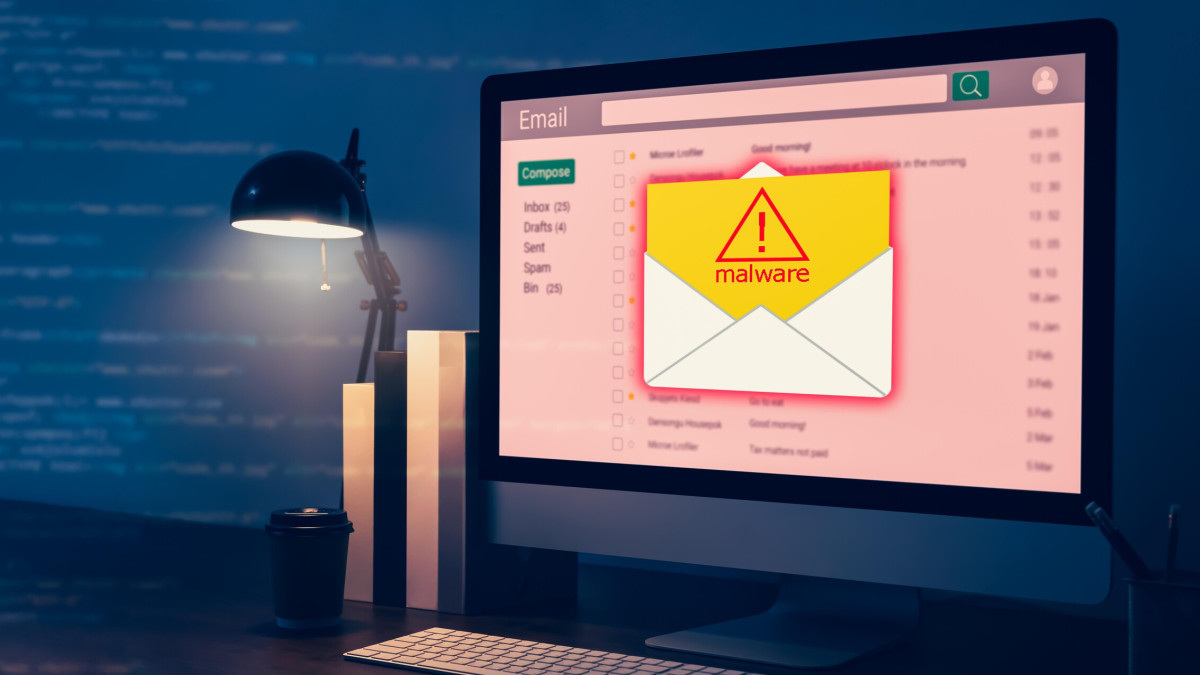
After the cyberattack on ePUAP, it is worth being cautious of messages containing login links. Illustrative photo.
stock.adobe.com/standardowa/sitthiphong
What is known about the attack?
On Tuesday evening, 10 November, Minister of Digital Affairs Krzysztof Gawkowski announced that the cyberattack on ePUAP had been detected and stopped. According to his assurances, the infrastructure of the Central IT Centre is secure. The Internal Security Agency (ABW) has been involved in investigating the incident.
Marek Gieorgica, director of the ministry's communications office, explained to PAP that the platform was disconnected as a precaution, for security reasons. On Wednesday morning, the ministry still did not provide a date for restoring full functionality. This information was described in a report on the Ministry of Digital Affairs statement.
Information status: 11 November 2026, 11:35 a.m. The available announcements do not confirm a data leak. Nor do they provide grounds to conclude that every Polish e-service has stopped working. The availability of a specific matter must be checked on its official website.
Marek Gieorgica, director of the ministry's communications office, explained to PAP that the platform was disconnected as a precaution, for security reasons. On Wednesday morning, the ministry still did not provide a date for restoring full functionality. This information was described in a report on the Ministry of Digital Affairs statement.
Information status: 11 November 2026, 11:35 a.m. The available announcements do not confirm a data leak. Nor do they provide grounds to conclude that every Polish e-service has stopped working. The availability of a specific matter must be checked on its official website.
A Polish office, a Norwegian address
For someone living in Oslo, Bergen or Stavanger, online contact with a Polish authority can be part of everyday life. Documents concerning housing, family matters or a business run in Poland do not simply disappear after moving abroad.
The problem begins when a form is ready, but an error appears on the screen instead of a confirmation. In such a situation, it is worth first determining at which stage the process stopped: logging in, signing or sending. These are three different actions.
Also read: Hack attack on Norwegian clothing stores. Customer and employee data at risk
The problem begins when a form is ready, but an error appears on the screen instead of a confirmation. In such a situation, it is worth first determining at which stage the process stopped: logging in, signing or sending. These are three different actions.
Also read: Hack attack on Norwegian clothing stores. Customer and employee data at risk
ePUAP, the Trusted Profile and e-Deliveries — what is what?
Similar names can easily be lumped together. However, each of these services has a different purpose.
ePUAP is a platform for electronic contact with public administration. The Trusted Profile allows you to confirm your identity and use a trusted signature. Signing a file alone does not yet mean that it has been sent to an authority.
e-Deliveries are used for registered electronic correspondence. They are ultimately intended to replace correspondence through ePUAP. However, one should not assume that every matter can be effectively handled through the selected channel.
In 2026, it is particularly important to check the instructions of the specific authority. The transitional period ended on 1 January, and the use of ePUAP depends on the rules of a given procedure. With e-Deliveries, a document requiring a signature must be signed appropriately — simply placing it in a submission does not replace a signature.
Details are explained in official guides: questions and answers about e-Deliveries and Trusted Profile help.

Before sending a document, check the correct service, the required signature and proof of submission. Illustrative photo. Source: pixabay.com.
ePUAP is a platform for electronic contact with public administration. The Trusted Profile allows you to confirm your identity and use a trusted signature. Signing a file alone does not yet mean that it has been sent to an authority.
e-Deliveries are used for registered electronic correspondence. They are ultimately intended to replace correspondence through ePUAP. However, one should not assume that every matter can be effectively handled through the selected channel.
In 2026, it is particularly important to check the instructions of the specific authority. The transitional period ended on 1 January, and the use of ePUAP depends on the rules of a given procedure. With e-Deliveries, a document requiring a signature must be signed appropriately — simply placing it in a submission does not replace a signature.
Details are explained in official guides: questions and answers about e-Deliveries and Trusted Profile help.
Before sending a document, check the correct service, the required signature and proof of submission. Illustrative photo. Source: pixabay.com.
Do you have an urgent submission? Start with these four steps
1. Check the correct route. Open the authority's official website and the instructions for your matter yourself. Look for information on e-Deliveries, the appropriate form or another permitted method of submitting documents.
2. Look for confirmation. If you previously clicked “Send”, check the status of your matter and any available official confirmation. Do not immediately send several identical applications just because the website is working slowly.
3. Keep a record of the problem. Save the error message as well as the date and time of the attempt. A screenshot may help clarify the situation, but it is not proof that a submission was filed. If a deadline is approaching, establish the next steps with the relevant authority.
4. Check the signature and attachments. The correct recipient address, required signature and complete set of documents are just as important as a working connection. An ordinary email does not always replace the formal submission of a document.
2. Look for confirmation. If you previously clicked “Send”, check the status of your matter and any available official confirmation. Do not immediately send several identical applications just because the website is working slowly.
3. Keep a record of the problem. Save the error message as well as the date and time of the attempt. A screenshot may help clarify the situation, but it is not proof that a submission was filed. If a deadline is approaching, establish the next steps with the relevant authority.
4. Check the signature and attachments. The correct recipient address, required signature and complete set of documents are just as important as a working connection. An ordinary email does not always replace the formal submission of a document.
A Norwegian phone number may also matter
Not every issue with an SMS code has to result from a cyberattack. If the problem concerns receiving a code on a foreign number when setting up a Trusted Profile or changing the number in the profile, official help recommends contacting the service desk: +48 42 253 54 50.
The helpline operates on working days from 7:00 a.m. to 6:00 p.m. Polish time. This is guidance for a specific issue with registration or changing a number, not a promise that the effects of the incident will be immediately resolved. Details are provided in the official Trusted Profile FAQ.
The helpline operates on working days from 7:00 a.m. to 6:00 p.m. Polish time. This is guidance for a specific issue with registration or changing a number, not a promise that the effects of the incident will be immediately resolved. Details are provided in the official Trusted Profile FAQ.
Beware of “urgent account unblocking”
News of an outage may be used as a pretext for fraud. If you receive an SMS or email demanding urgent “verification”, payment or profile unblocking, do not log in through the link provided. Access the service yourself, using a known official address.
Do not give the caller your password or authorisation codes. You can report a suspicious website or email message through the CERT Poland form. Suspicious SMS messages should be forwarded in their original form to 8080. The reporting rules and information about costs outside Poland are described in a guide on gov.pl.
Also read: Decline in losses from bank fraud in Norway. NOK 1.3 billion blocked
For matters handled between Poland and Norway, the most helpful approach is to calmly check three things: the correct service, the required documents and proof of submission. The mere return of a website does not yet mean that a specific matter has been successfully handled.
Do not give the caller your password or authorisation codes. You can report a suspicious website or email message through the CERT Poland form. Suspicious SMS messages should be forwarded in their original form to 8080. The reporting rules and information about costs outside Poland are described in a guide on gov.pl.
Also read: Decline in losses from bank fraud in Norway. NOK 1.3 billion blocked
For matters handled between Poland and Norway, the most helpful approach is to calmly check three things: the correct service, the required documents and proof of submission. The mere return of a website does not yet mean that a specific matter has been successfully handled.
How do you rate this article?